




Home Power Storage Unit: Sizing, Use & Cost Map
A home power storage unit is a house battery that stores grid or solar power for outages, peak-rate hours, and nighttime use. Size it from your daily kWh use, the circuits you want to back up, and the outage hours you expect. Wall-mount LiFePO4 units suit compact homes, stackable systems add capacity over time, and cabinet-style all-in-one units fit larger backup plans.
What is a home power storage unit?
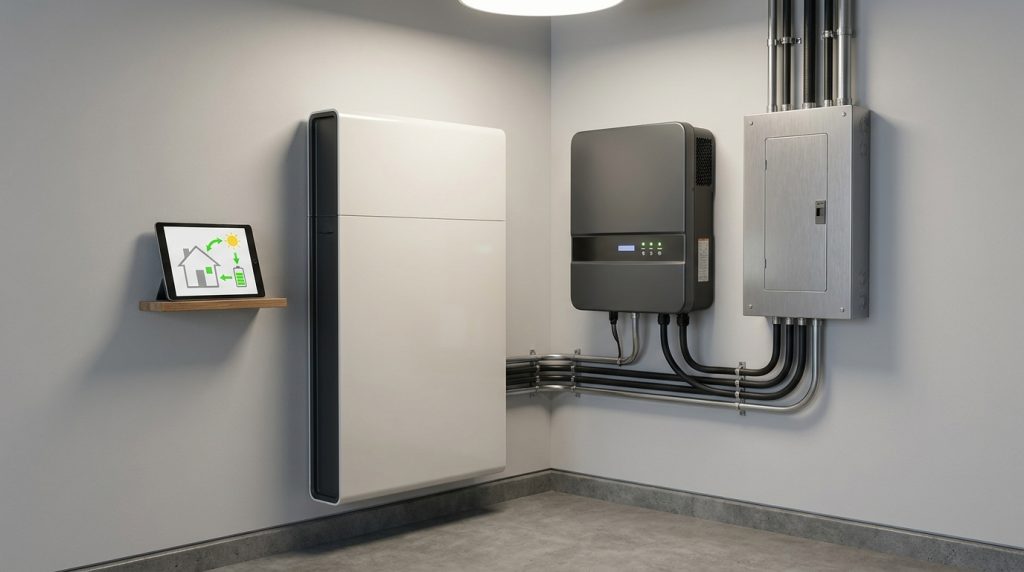
A home power storage unit is a residential battery system that stores electricity from solar panels or the grid and releases it during outages, peak-rate hours, or nighttime use. The buyer should compare usable kWh, power output, chemistry, inverter fit, and safety certification.
A home power storage unit is often called a home battery, solar battery, or residential energy storage unit. It stores electricity so your home can use that power later, especially when the grid is down, solar panels are not producing, or electricity rates are higher.
The most important specs are usable kWh, output kW, battery chemistry, inverter compatibility, safety protection, and monitoring. The U.S. Department of Energy explains that storage systems capture electricity and release it later, which is the basic job of a home battery system.
What size home power storage unit do you need?
Size a home power storage unit from your daily electricity use, the loads you want to back up, and expected outage hours. A simple starting rule is daily kWh x backup fraction x outage hours ÷ 24, then add reserve.
Start with your monthly electricity use. Divide that number by 30 to estimate daily kWh. Then decide whether you want to back up the whole home or only critical loads such as the refrigerator, lights, WiFi router, phone charging, security, and work devices.
A simple sizing rule is: usable kWh needed = daily kWh x backup fraction x outage hours ÷ 24. After that, add reserve for battery efficiency, battery protection, and real-world use. This estimate helps you prepare for a quote, but the final system should still be checked by an installer.
Critical-load backup vs whole-home backup
| Backup goal | What it usually covers | Best fit | Buyer note |
|---|---|---|---|
| Critical-load backup | Fridge, lights, WiFi, charging, security, small devices | Wall-mount LiFePO4 or small stackable system | Usually more practical for short outages |
| Solar self-use | Daytime solar stored for evening use | Stackable battery or hybrid-ready system | Works best with solar PV and inverter planning |
| Larger home backup | More circuits, longer outage target, higher load | Stackable rack or all-in-one cabinet system | Needs careful output and load planning |
Which unit type fits your home: wall-mount, stackable rack, or all-in-one cabinet?
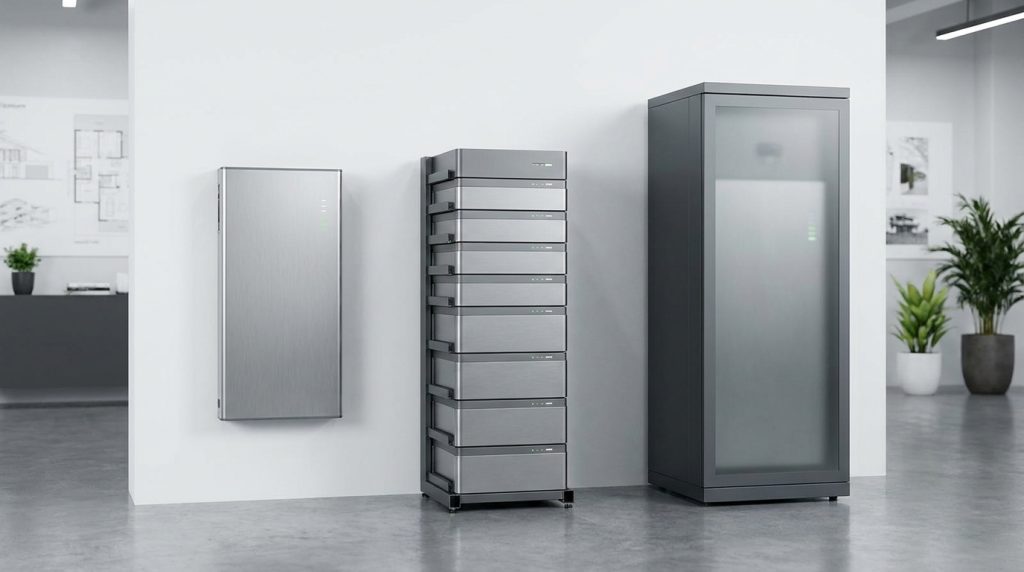
Wall-mount units are best for compact essential backup, stackable systems are better when capacity may grow, and cabinet-style all-in-one systems fit homeowners who want a cleaner integrated setup with fewer visible components.
The right unit type depends on your available space, backup target, daily kWh load, and future expansion plan. A first-time buyer should not choose by battery size alone. The physical format also affects installation, service access, expansion, and how clean the final setup looks.
| Unit type | Best for | Typical role | What to check |
|---|---|---|---|
| Wall-mount LiFePO4 unit | Compact homes, backup circuits, simple residential storage | Essential backup and solar battery storage | Usable kWh, output, BMS, certification, wall strength, inverter match |
| Stackable rack system | Homes that may need more capacity later | Expandable backup and solar storage | Module size, max expansion, inverter output, installation space |
| All-in-one cabinet | Larger or cleaner integrated home systems | Integrated battery, inverter, monitoring, and control setup | Cabinet rating, ventilation, service access, installer support |
VoltaLink’s product range includes wall-mount lithium battery systems and stackable residential energy storage systems. A buyer should still confirm the exact product specifications, inverter match, and installation conditions before choosing a final unit.
What can each battery size realistically power?
Battery capacity feels confusing because kWh does not directly tell you how long the whole home will run. Backup time depends on what you connect, how much each device consumes, and whether the system is sized for essential loads or whole-home backup.
One battery can last a long time when it powers only essentials. The same battery may drain much faster if it supports air conditioning, pumps, ovens, heaters, or other heavy loads.
Why kWh and kW are not the same
kWh tells you how much energy the battery can store. kW tells you how much power the system can deliver at one time. A battery may have enough stored energy but still be limited if the connected appliances demand too much power at once.
| Scenario | Estimated daily load | Backup target | Likely unit direction |
|---|---|---|---|
| Small essential-backup home | About 8kWh per day | Fridge, lights, WiFi, charging for a short outage | Wall-mount LiFePO4 or small stackable unit |
| Standard solar home | About 18kWh per day | Store daytime solar for evening use and backup | Stackable system or larger wall-mount setup |
| High-load home | About 29kWh per day | More circuits or longer backup duration | Larger stackable or cabinet-style system |
How much does a home power storage unit cost?
A home power storage unit can range from a smaller essential-backup investment to a larger whole-home system cost. Capacity, inverter design, electrical work, installation, monitoring, and incentives usually explain most price differences.
Battery capacity is one of the biggest cost drivers, but it is not the only one. The final quote can also include inverter equipment, backup circuit work, panel upgrades, installation labor, monitoring, wiring, permits, and service support.
EnergySage reported a typical 13.5kWh solar battery installation at $15,228 before incentives in 2026. In the United States, the IRS Residential Clean Energy Credit may apply to eligible battery storage technology of at least 3kWh, but buyers must check current eligibility rules for their own situation.
| Cost factor | Why it matters | Buyer question |
|---|---|---|
| Battery capacity | More usable kWh usually increases system cost | How many kWh do I actually need? |
| Inverter design | Controls power conversion and backup behavior | Is the battery compatible with my inverter? |
| Electrical work | Backup circuits, panel work, and wiring affect installation | Do I need a critical-load panel? |
| Monitoring | Apps help track battery status and energy use | Can I monitor charge and discharge from my phone? |
| Incentives | Credits or local programs can change net cost | Does this system qualify in my market? |
What safety and installation checks matter before buying?
Home battery storage should be treated as electrical infrastructure, not a plug-and-play gadget. A safe system needs the right battery management system, temperature protection, certified equipment, correct placement, and professional installation.
The EPA identifies BESS safety standards and guidance including NFPA 855, UL 9540, and UL 9540A. Buyers should also ask about UN38.3, MSDS, local electrical code, warranty terms, and service support.
- Ask whether the system has a battery management system, or BMS.
- Confirm temperature protection and fault protection.
- Check indoor or outdoor placement requirements.
- Ask about clearance, ventilation, and service access.
- Confirm inverter compatibility before purchase.
- Ask which certifications and documents are available.
- Use a qualified installer for electrical connection.
Should you connect the unit to solar panels or use it only for backup?
A home power storage unit can be used for backup only, but many homeowners pair it with solar panels. Solar-plus-storage can help recharge the battery during sunny periods and improve solar self-use when electricity is needed later.
The U.S. Department of Energy explains that battery storage can help store solar energy for later use and provide power during outages. Still, backup-only use may be simpler when the main goal is short outage protection.
| If your goal is… | Consider… | Why |
|---|---|---|
| Short outage protection | Backup-focused battery setup | It may be simpler than a full solar-plus-storage design |
| Use more solar at night | Solar-plus-storage system | The battery can store daytime solar for evening use |
| Future solar upgrade | Hybrid-ready battery and inverter plan | It can reduce redesign work later |
| Better daily control | Smart monitoring app | You can track charge status and energy behavior |
What should you send an installer before asking for a quote?
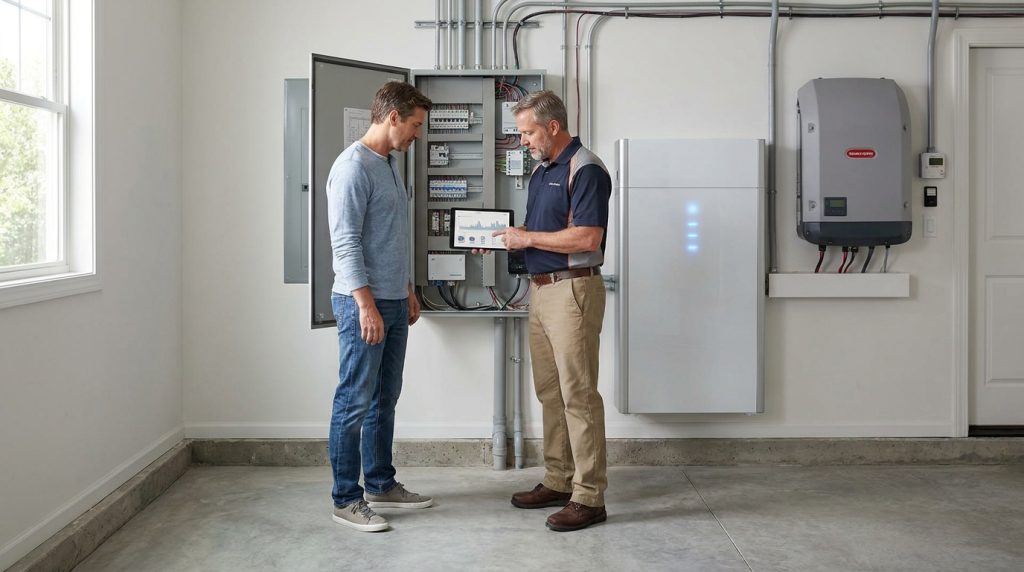
The best quote starts with clear home load information. Before asking for a recommendation, prepare your electricity use, outage target, backup priorities, solar plans, and installation photos. This helps the installer avoid guessing and gives you a more accurate system size.
- Monthly electricity use or estimated daily kWh.
- List of appliances and circuits you want to back up.
- Target outage duration in hours.
- Existing solar system details, if any.
- Planned solar PV details, if you want solar later.
- Indoor or outdoor placement preference.
- Photos of the electrical panel and possible installation area.
- Any special needs, such as work-from-home devices, medical equipment, or security systems.
Frequently Asked Questions
How much stored energy, or capacity, do I need?
You need enough usable kWh to cover the loads you want during the outage period. Start with daily kWh, choose the backup fraction, multiply by outage hours divided by 24, then add reserve.
What appliances do I want to back up?
Most homeowners should start with essentials: refrigerator, lights, WiFi router, phone charging, security, and key medical or work devices. HVAC, ovens, pumps, and large appliances need more capacity and higher output.
What does a home battery cost?
Cost depends on battery capacity, inverter setup, installation, electrical work, monitoring, and incentives. EnergySage reported a typical 13.5kWh solar battery installation at $15,228 before incentives in 2026.
What impacts the duration my home can run on battery backup?
Backup duration depends on usable kWh, appliance load, inverter output, battery settings, and whether you back up essential circuits or the whole home. The same battery lasts much longer with only fridge, lights, WiFi, and small devices.
What safety measures are employed in battery storage systems?
Safe systems use battery management, temperature protection, certified components, correct installation spacing, and professional electrical design. Buyers should ask about UL 9540, UL 9540A, NFPA 855, MSDS, and local code compliance.
Is solar energy storage safe?
Solar energy storage is safe when the battery, inverter, installation, placement, and protection systems follow recognized safety standards. The buyer should avoid uncertified equipment and should use a qualified installer for electrical connection.
What’s the lifespan of a home battery storage system?
Lifespan depends on chemistry, cycles, depth of discharge, temperature, and warranty terms. LiFePO4 batteries are often chosen for home storage because they offer strong cycle life and stable safety characteristics.

-

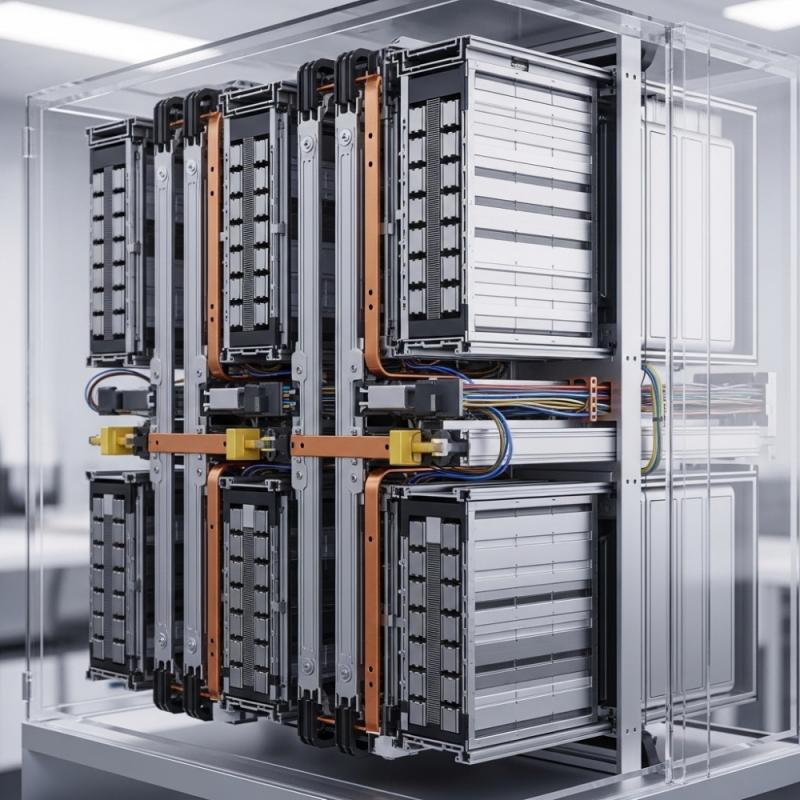 OEM Residential Energy Storage Solutions: Passive vs. Active Cell Balancing
2026-09-30
-
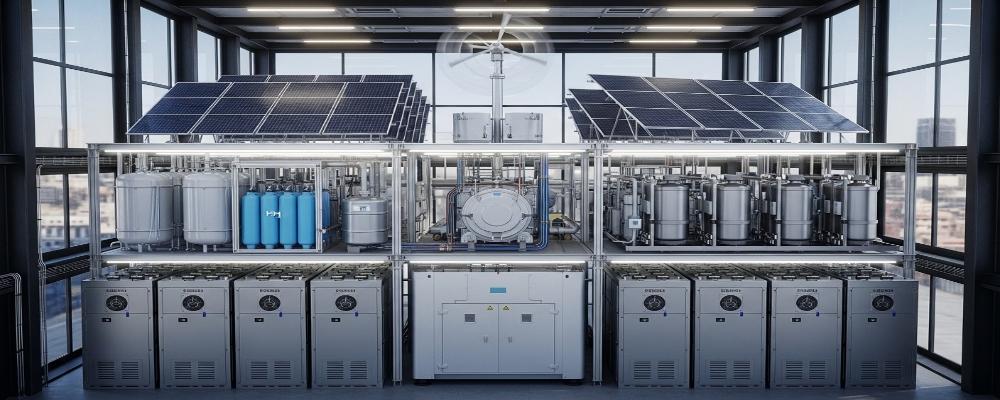 Smart Home Battery with BMS Communication: Cybersecurity and BMS Safety
 -
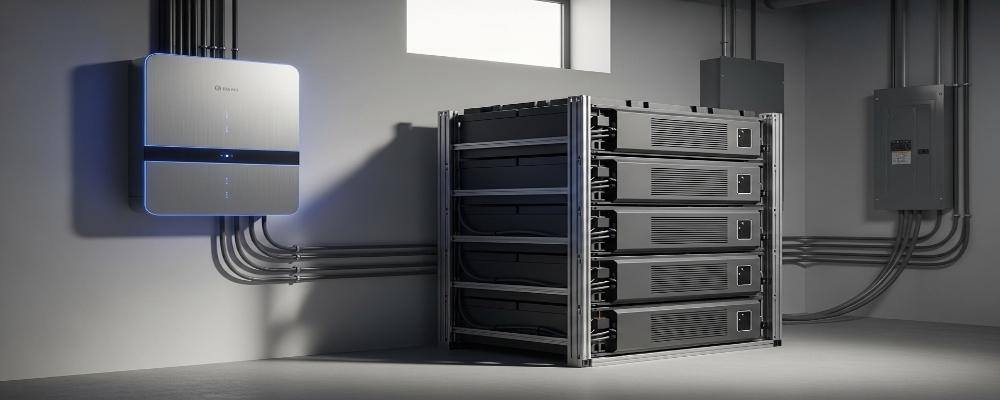 10kWh Home Battery Backup System: Is 90% DoD Better for Daily Solar Storage?
2026-09-29
-
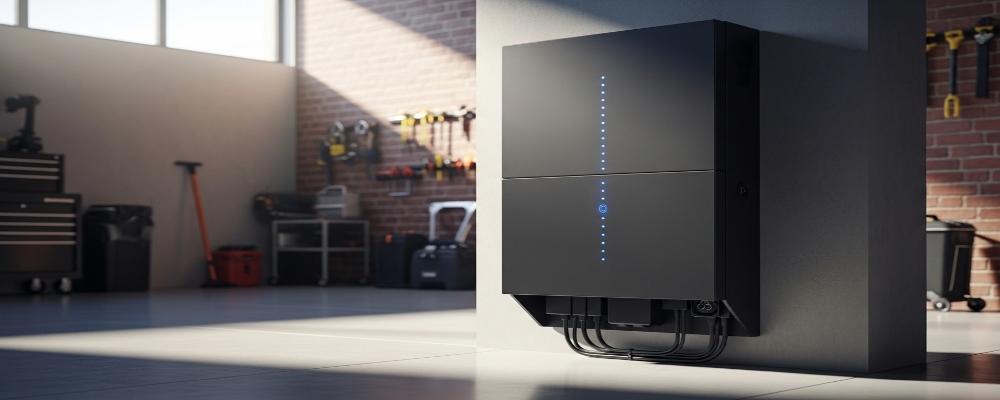 Integrated Home Energy Storage System 150–430V MPPT Design
2026-09-28
-
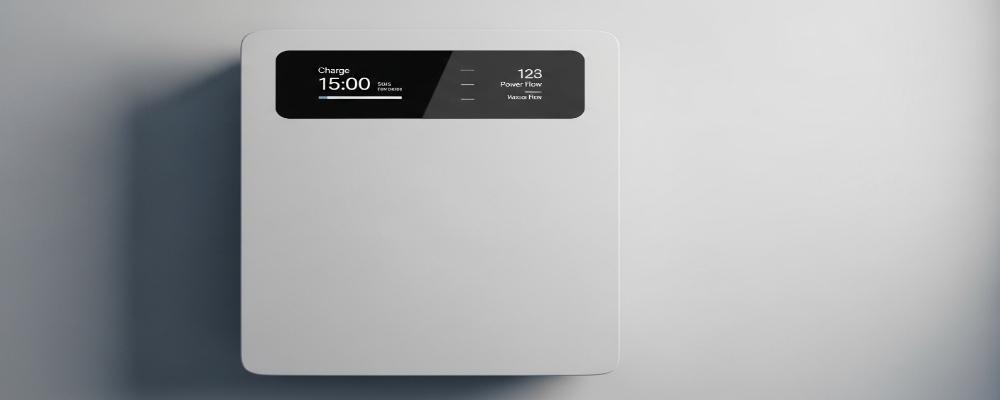 LiFePO₄ Residential Backup Battery SOC Accuracy in Parallel Systems
Share this:





.svg)






-899.svg)


